
One photo, not a prompt guess
Start from a still you control instead of hoping a text prompt invents the right person.
Upload a photo of yourself or a consenting adult who authorized the use, choose an action, and get a private short 18+ clip. The credit cost is shown before you generate.
Example stills on this page are AI-generated illustrations, not customer results.

What SpicyBox is
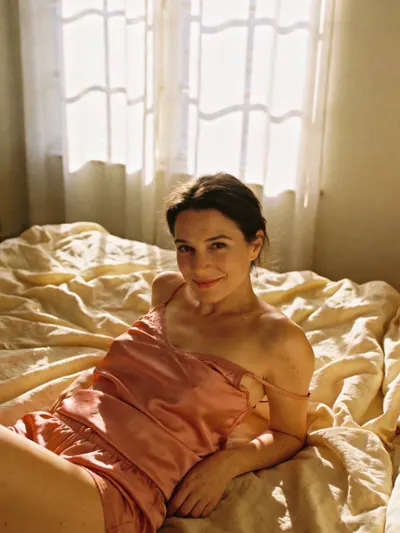
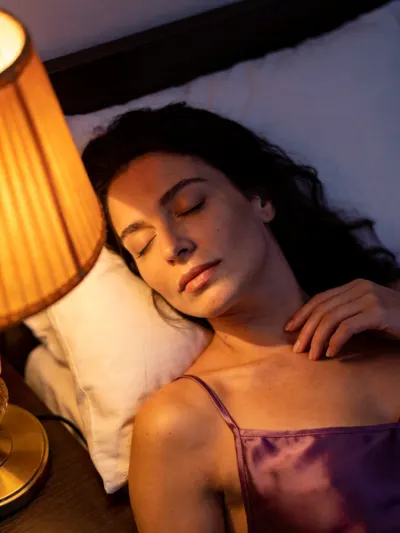
SpicyBox is an adult AI video generator built around one photo. Upload a photo of yourself or a consenting adult who authorized the use, choose a direction for the motion, and the Platform renders a short private 18+ clip. The source can be a bedroom, dressing-room or everyday portrait; the output keeps that person and scene while adding movement. Text-to-video is available too, but the photo-first path is the point: you already have the look, and SpicyBox supplies the motion. Before you submit, the workspace shows the credit cost for the selected model and settings. Credits come in prepaid packs; nothing renews automatically. Source photos are stored as private files, and results stay in your signed-in library for 3 days, or 30 days after a credit purchase. SpicyBox is for adults 18+ only. It does not accept third-party photos, public figures, minors or non-consensual content, and a generated clip is never proof that something really happened. Read the content guidelines before you upload.
Start from a still you control instead of hoping a text prompt invents the right person.
The selected model and settings show their credit cost before you press generate.
Source photos and results belong to your signed-in account, not to a public feed.
SpicyBox keeps the workflow narrow: authorized source, one direction, a published model and a visible credit cost. The images here are AI-generated illustrations. Compare the adult AI video generator with the image-to-video path, or read the content guidelines.
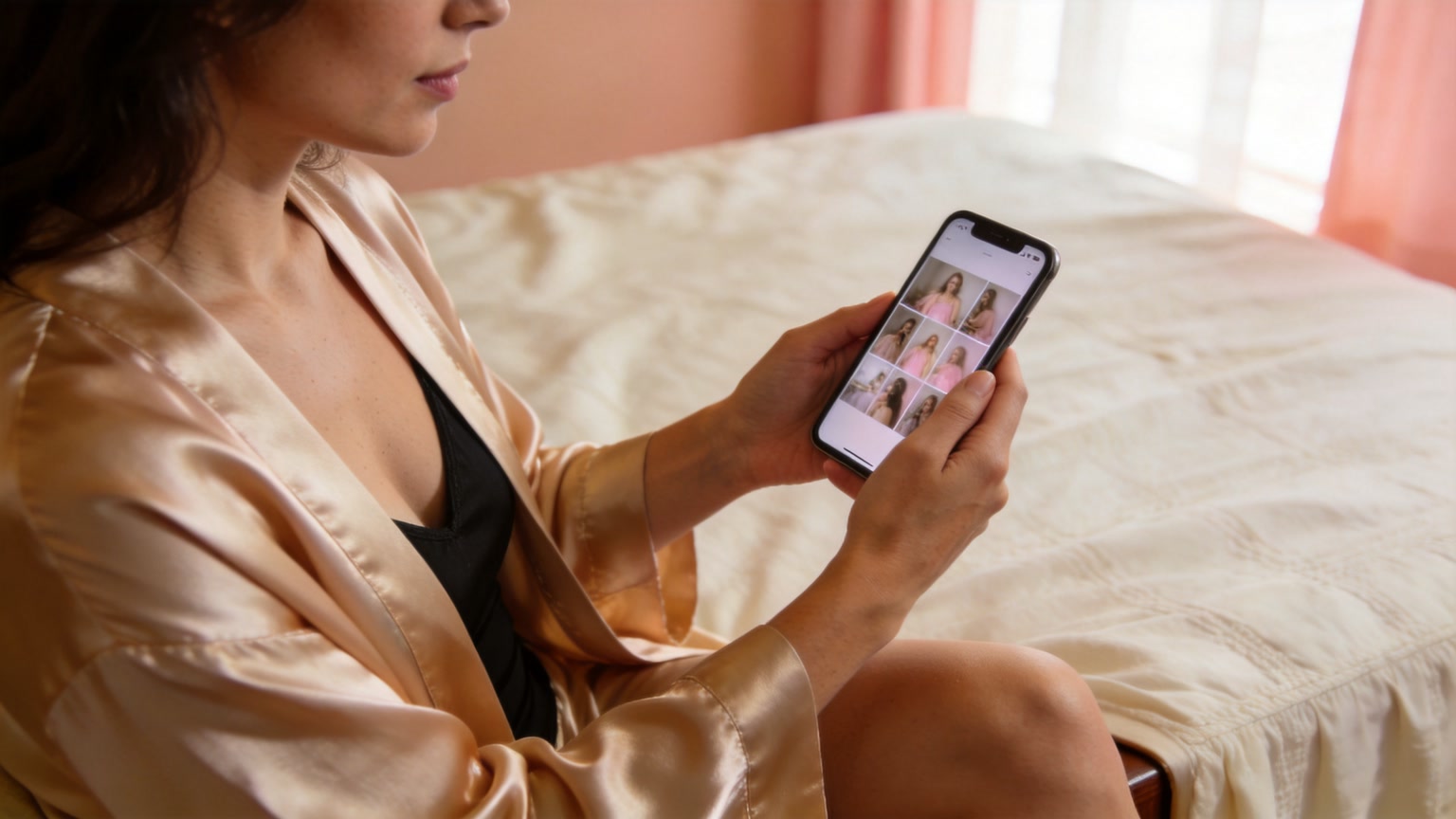
Choose a PNG, JPEG or WebP of yourself or a consenting adult who authorized the use. The file stays private on the Platform.
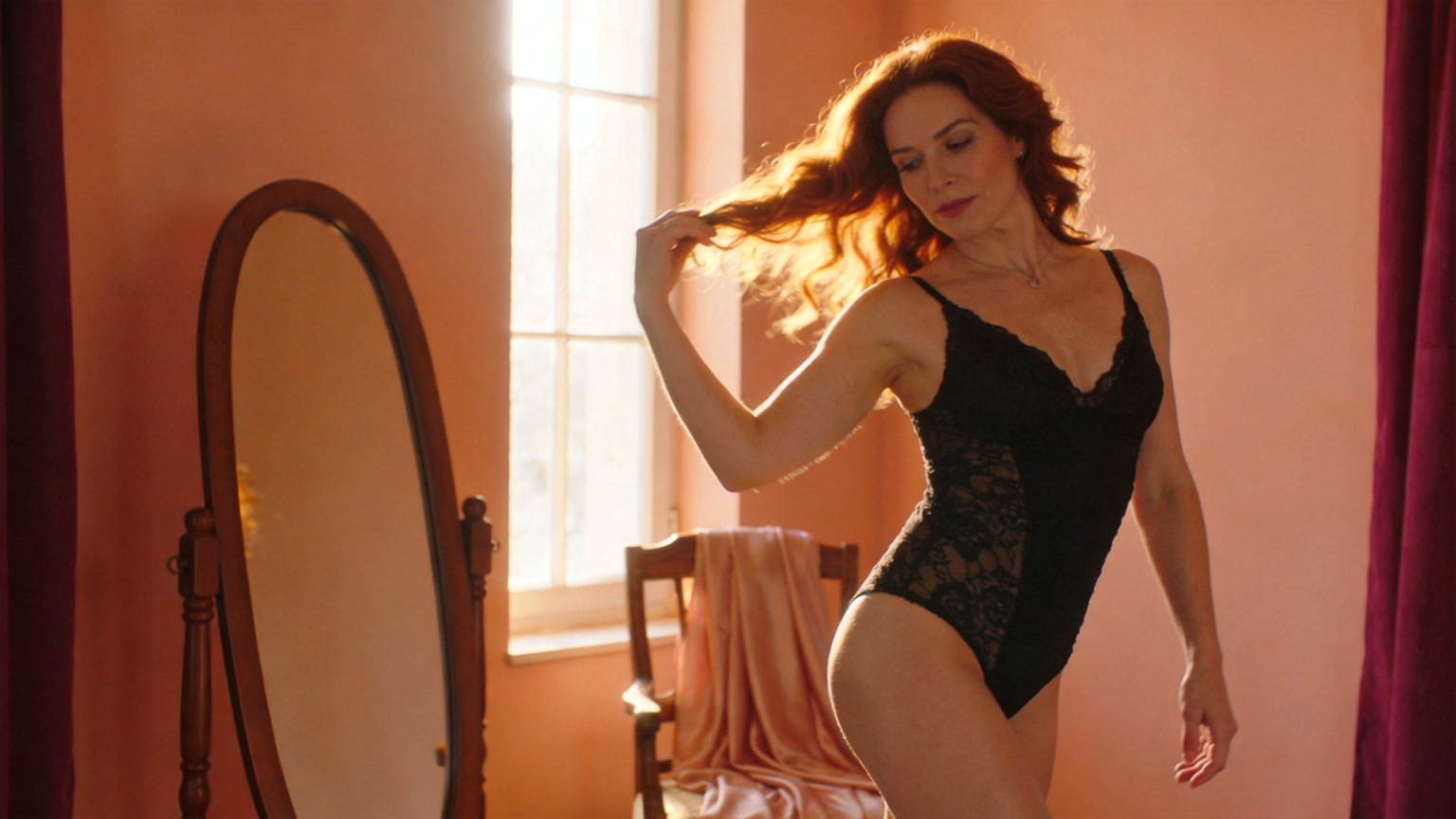
Describe a slow turn, a glance, a camera push or a change in light. Keep it short and specific.
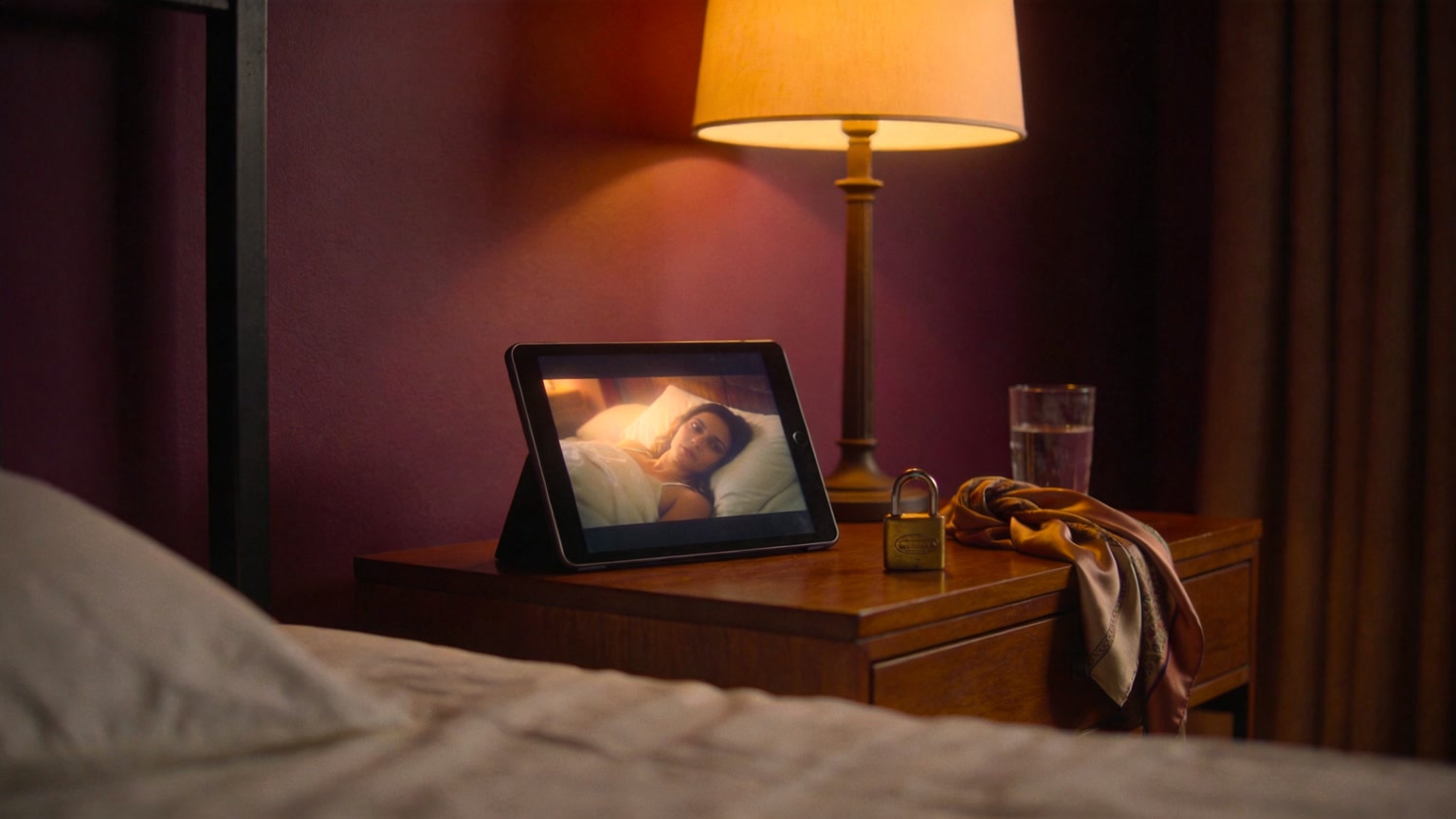
Pick a published model and setting. The generate button shows the credits it will spend before you submit.
Upload, direct, check the credit cost, keep the result.
Sign in, open image-to-video and upload your own photo or a consenting adult's authorized photo.
Write the motion you want and choose a published model, duration and resolution where offered.
The generate button shows the credits for the current selection. Nothing is charged until the request runs.
Watch the finished clip in the workspace and download it from your history before the 3-day retention window ends (30 days after a credit purchase).
Where it fits
A few concrete ways adults use a photo-first clip. Only use photos you are authorized to use.
Make a playful clip for someone who knows the photo and has agreed to its use.
Turn a favorite portrait into a short clip to send privately instead of another still.
Test a mood, outfit and camera angle before booking a boudoir or portrait session.
Give a photo from a trip or a night out a little motion.
See how a model handles a specific face, room and light before committing to a larger project.
Action presets
These are prompt starters, not buttons and not guaranteed outcomes. Paste one into the prompt box, then change the details to match your authorized photo.
She turns slowly toward the window, hair moving, camera still, soft morning light.
Seated on the edge of the bed, a glance over the shoulder, warm lamp light, slow push in.
Standing by a mirror, adjusting one strap, soft window light, gentle handheld drift.
A silk robe slipping from one shoulder, low warm light, slow camera move.
Leaning in a doorway at night, city glow on the wall, a small smile, natural motion.
Lying in rumpled linen, sunlight crossing the sheet, slow breathing motion, camera above.
Results vary by model, source photo and settings. A preset does not promise a specific body, expression or duration.
Photo to video, illustrated
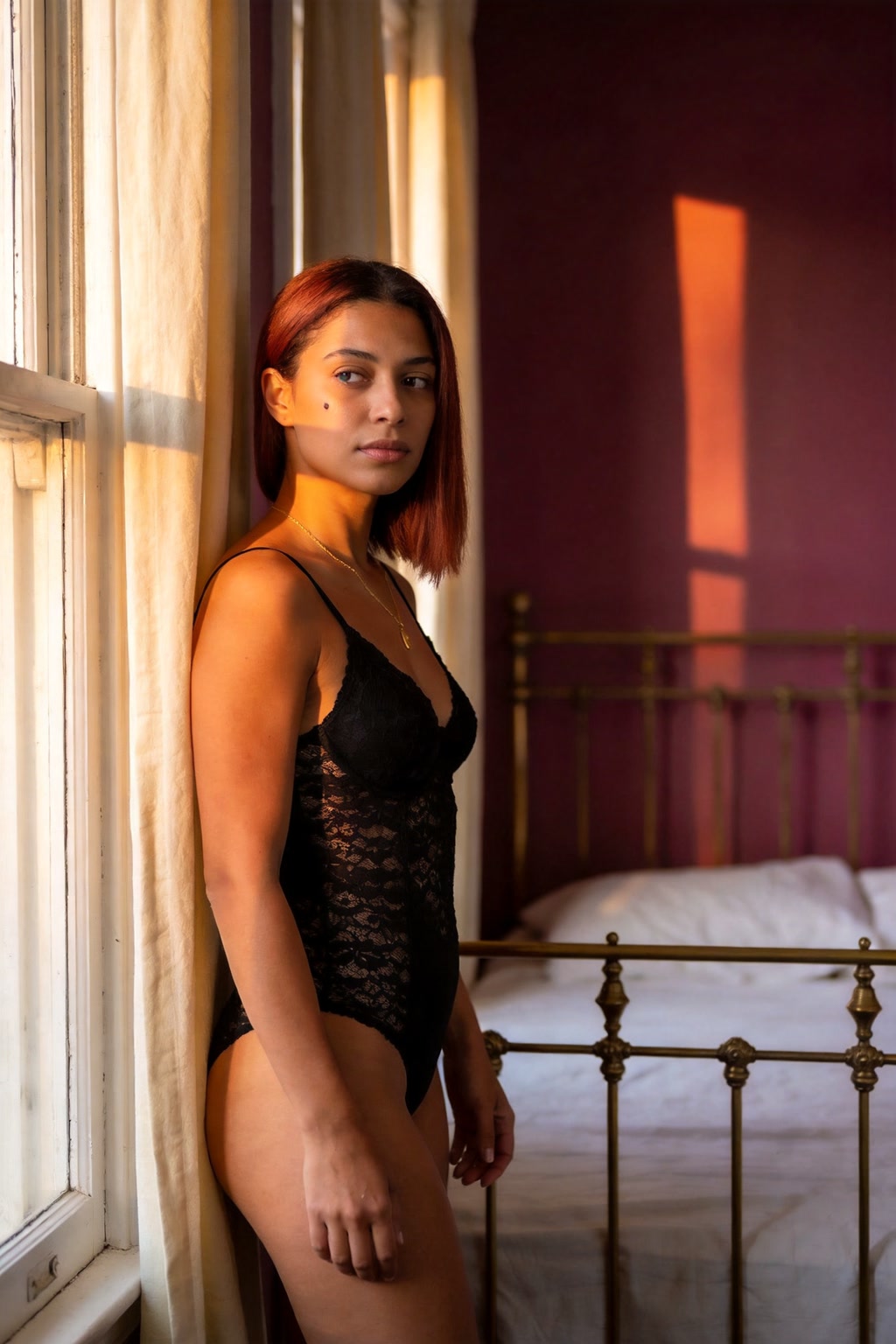
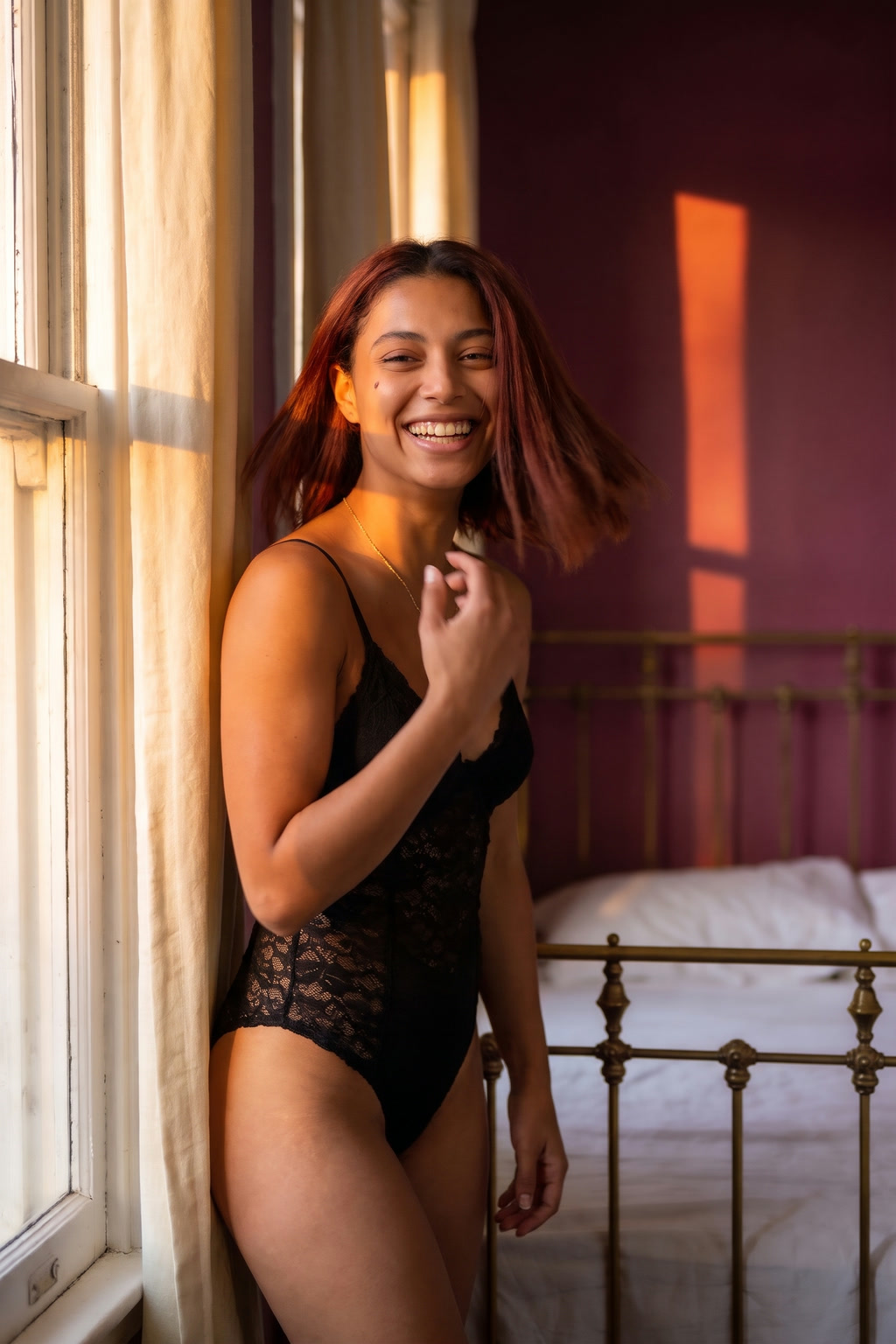
The source still and the motion frame below are AI-generated illustrations of the photo-to-video idea, not a customer result. The model keeps the subject and scene as a starting point; motion and detail can drift. See the image-to-video guide for the workflow.
Credit packs
Prepaid packs, no subscription. The Platform loads the current USD price; credits stay until you spend them. Read the refund policy before you buy.
Limits and consent
The rules are part of the product, not fine print. Read the content guidelines.
SpicyBox is for adults. Do not use it if you are under 18 or if adult content is illegal where you live.
Upload your own photo or a consenting adult's authorized photo. No third-party, public-figure or found images.
Never create sexual content of someone who has not consented. Never use images of minors.
Source files are PNG, JPEG or WebP. Duration, resolution and sound depend on the published model, not on a marketing promise.
The workspace shows the cost before you submit. A completed generation spends credits; a failed one is handled under the refund policy.
The same source and direction can produce different clips. A generated clip is not evidence that anything real happened.
Consent, credits, privacy and what a clip can and cannot be.
Create a spicy clipSpicyBox is an adult AI video generator built around an authorized photo: upload a still, choose a direction and render a private short clip. Text-to-video is available too.
Only your own, or a photo of a consenting adult who has explicitly authorized this use. No third-party photos, public figures, minors or images found online.
The published model and settings carry a credit cost, shown in the workspace before you submit. Credit packs are prepaid and prices appear on the pricing page before signup.
No. Credit packs are one-time purchases and nothing renews automatically.
Credits stay on your account until you spend them. They may be forfeited if an account is closed for breaking the Terms of Service.
A failed render does not produce a usable clip. Contact support with the task details; the Refund Policy explains what can be returned.
Bring your own still, choose a direction and see the credit cost before you generate.
Create a spicy clip