A private clip from your own still
You have a photo you control and want one short motion clip for a partner who consented.
Adult AI video generator
A photo-first way to make a private short 18+ clip, with the credit cost visible before generation.
Every cost and limit below is shown in the workspace before you submit.
Use Google sign-in to open the workspace. A text-to-video tab is available too.
Choose a PNG, JPEG or WebP of yourself or a consenting adult who authorized the use.
Write a short direction and choose a published model, duration and resolution where offered.
The generate button shows the cost for your selection. Submit, then preview and download the result.
You have a photo you control and want one short motion clip for a partner who consented.
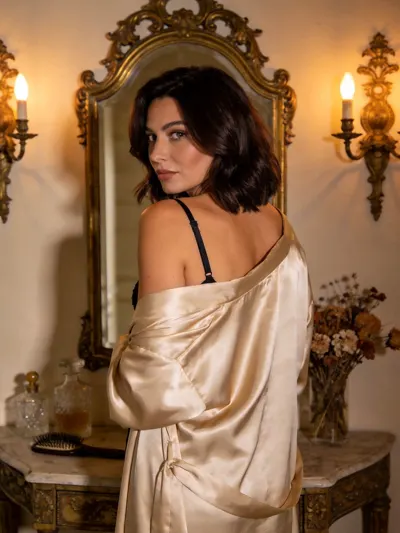
Try a room, light and camera angle before booking a boudoir or portrait session.
Use the text-to-video tab to invent a scene instead of starting from a still.
The short answers; the linked pages have the full rules.
No. The video generator has a text-to-video tab and an image-to-video tab. The photo-first path is the main workflow, but a written scene works on its own.
Only yourself, or a consenting adult who has explicitly authorized the use. No public figures, third parties or photos you found online.
The workspace shows the credit cost for the selected model and settings. A completed generation spends those credits; a failed one is covered by the Refund Policy.
Source photos are private files and results appear only in your signed-in library. Outputs are kept for 3 days, or 30 days after a credit purchase; review the Privacy Policy for deletion.
No. Public figures, third parties and anyone who has not authorized the use are prohibited. The content guidelines explain the rules and enforcement.