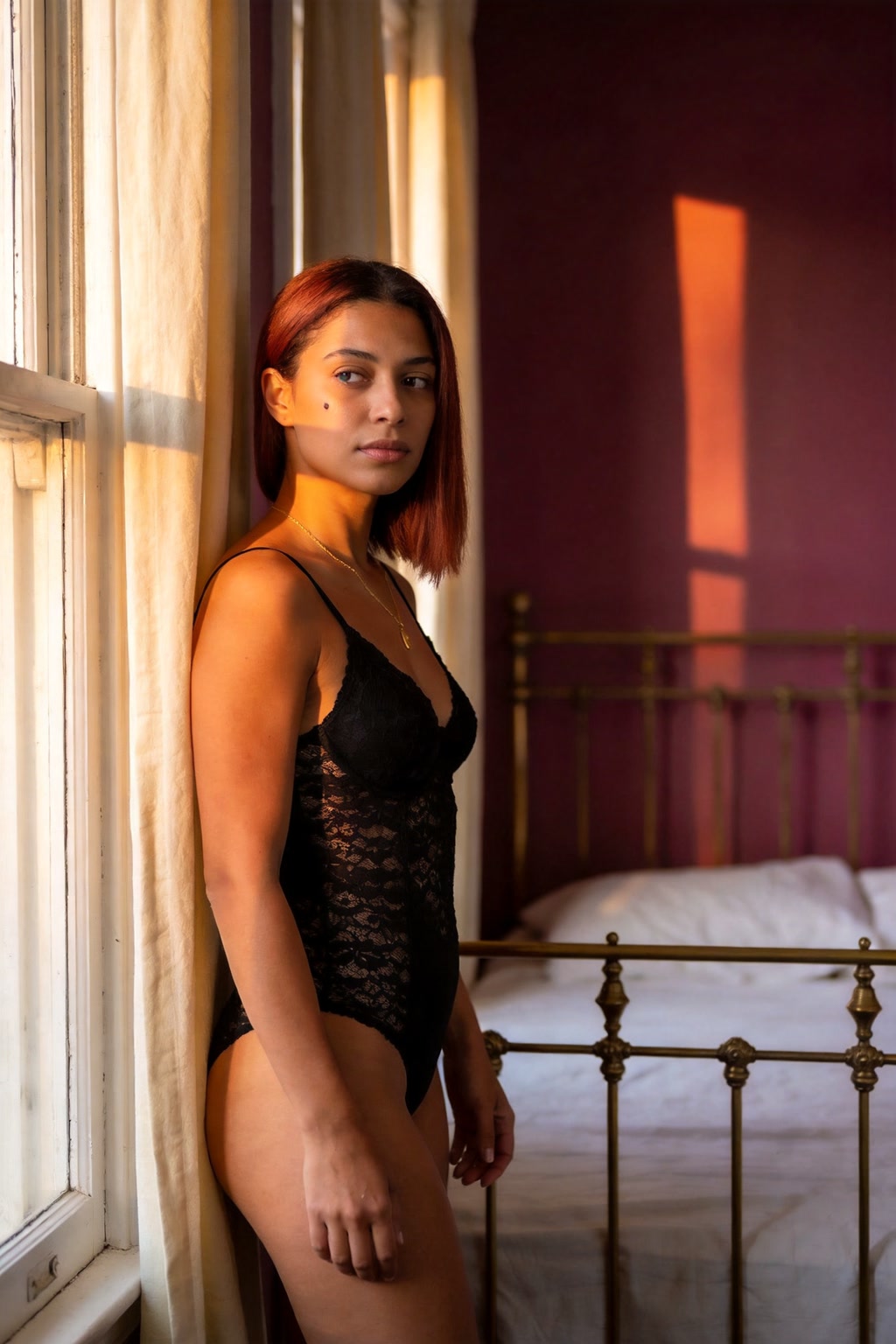
Boudoir still
Animate a still from a private shoot without booking another session.
NSFW image to video
Keep the person and room from a still you are allowed to use, then add motion.
Every cost and limit below is shown in the workspace before you submit.
Use your own photo or a consenting adult's authorized photo. A sharp, single-subject image works best.
Describe the turn, glance, breath or camera move. Keep it specific to the person and room.
Settings and availability come from the Platform catalog, not from a fixed promise on this page.
The button shows the credits for the selection. Preview the clip and download it from your history.
Animate a still from a private shoot without booking another session.
Give a portrait from a trip or a night out a little movement.
See how a model handles a low-light room before spending on a longer project.
The short answers; the linked pages have the full rules.
A sharp, well-lit still with one adult subject and a clear view of the face and body. Avoid group photos, heavy filters and photos of anyone who has not authorized the use.
The model keeps the subject and scene as a starting point, but motion, lighting and detail can drift. Results vary by model and source.
No. Use your own photo or a consenting adult's authorized photo. Public figures, third parties and found images are prohibited.
Cost depends on the published model and settings, not on the input type by itself. The workspace shows the exact credits before you submit.
Edit the direction and generate again. A new render spends credits again, and the cost is shown before you submit.
If a render fails and produces no usable clip, contact support with the task reference. The Refund Policy explains when credits are returned; credits spent on a completed clip are not refunded.